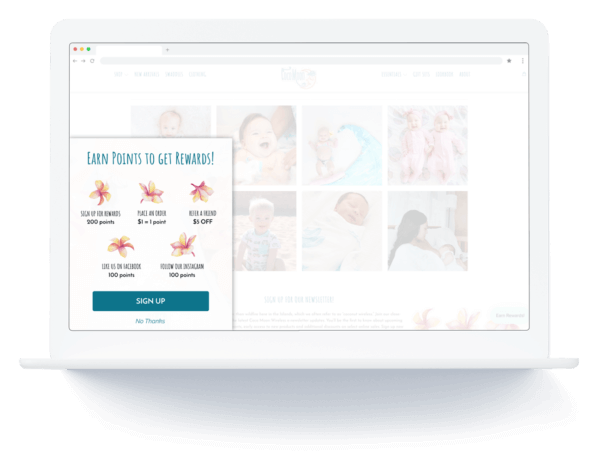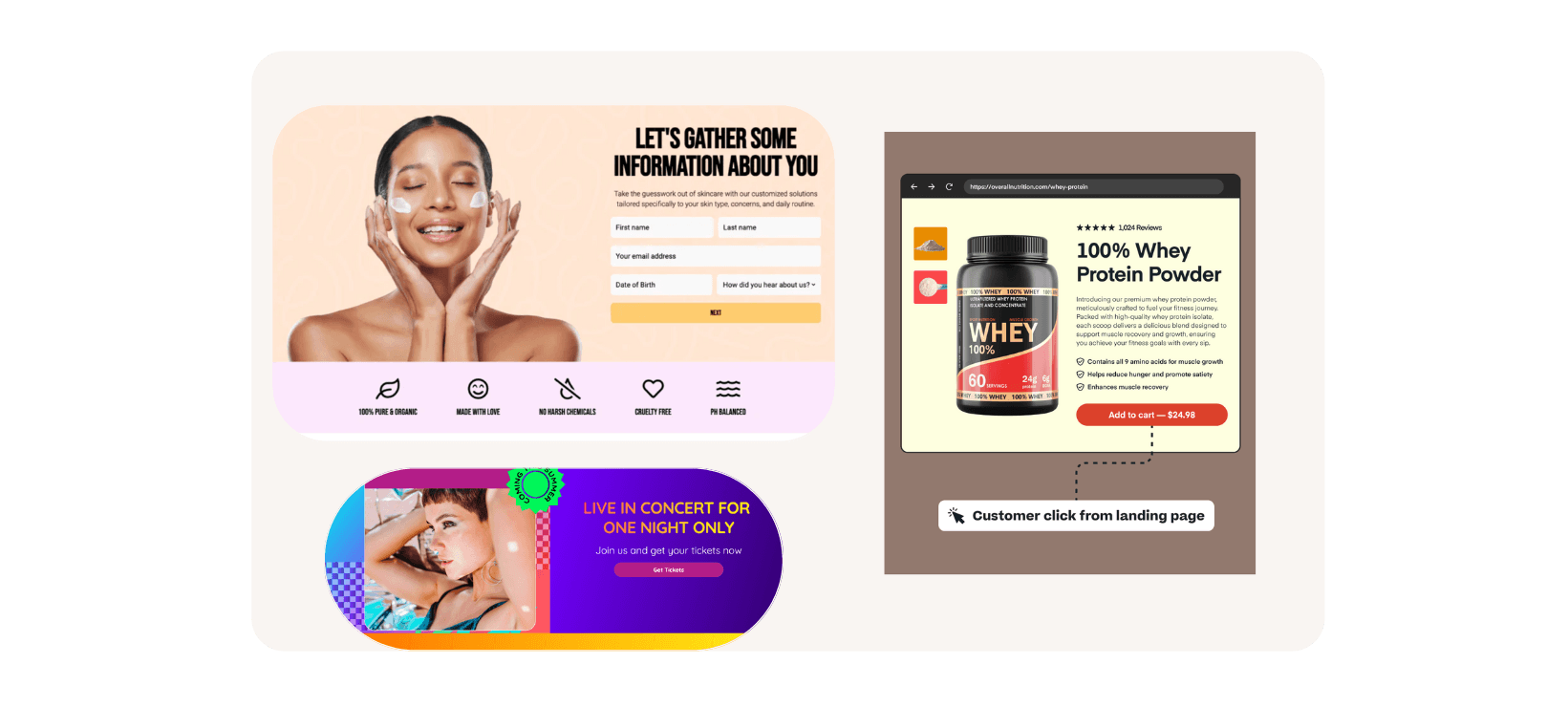
Learn the basics that you need to know to run a successful UNO social offer!
Wait what, targeting rules? What are those? How the heck do these work? The most powerful to yet to increase sales conversion is now live and we are having lot’s of questions on how to set them up. Not to worry, it’s easy. Here’s our first video, more to come ![]()
Hi there!
So you’re connected to Justuno in some way, maybe you’ve installed it, maybe you haven’t had the chance…maybe you are using Justuno but are not aware of all the customizations. In any case, you should know how the powerful (and simple) Justuno marketing tool can be used in your business. So we’ve decided to host our Office Hours in a Google+ hangout. We will be hosting regular developer office hours via Hangouts On Air with members of Justuno and other active Justuno users. Come chat with the platform team, get your questions answered and provide feedback.
When: Every Wed at 12:00pm PST – convert to your time zone
Where: In a hangout on air! Once we begin you can see the live stream on the Justuno page. You can also view past sessions on YouTube.
What: We focus on new features, we invite successful accounts to share their insights and feedback and open up the floor to basic questions etc.
Part of the new widget design launched today has two features worthy of it’s own blog post
International Language OR Edit Widget Text:
Log into your Admin and click: Set Up > Edit Language
As you will notice, all the fields available within your widget are now editable. For example, remember that pesky “Promo code will show here” text…you can now change that! For languages, simply type in you using your international keyboard and whammo!
(Please note: if you currently have been using the auto translate option, you will need to log in and update your language text). 
Enjoy!
New Design!
Social Offers! Allow your customers to share your offer with their social networks!
Please note if you have added Custom CSS, it will temporarily be disabled during the conversion and you may need to log in to update.Log in today or for further questions, please contact Corey Snow at corey@justuno.com.
We’ve Adopted!
With all our fantastic pet supply accounts using Justuno, this little guy will be sure to have plenty of fun toys around the office. We’re going to spend the week with our new friend and see what name matches his personality. So far Bean (Enders Game), Cache, Phil (He’s was adopted from Petsunlimited.org on Fillmore st, San Francisco) are front runners…

Our customers rock!
One of the most gratifying things for our team here in San Francisco is receiving positive feedback and learning how Justuno is helping others improve their business. On this day of Valentines, we’d like to both recognize and share clients that have taken the time to share some love for Justuno.
Running a business is crazy, and the fact that our customers took time to write reviews is immensly appreciated. Not only does it provide us feedback, but it’s the number one deciscion making reason for other online retailers. By taking four minutes to write a review, you can help introduce Justuno to fellow retailers and move Justuno one step closer to paying his rent in San Francisco. On this day of love we ask you to please take a few minutes to share your experience within your local app store.
Help Justuno in Your Favorite App Store:


View our latest reviews on BigCommerce:


Special thanks to Dacanesurfshop and Greenerlivingstore.com for contributing!
Happy Valentines!
Justuno

![]()
By popular demand, you can now sync up your MailChimp or Constant Contact accounts with Justuno. Instantly download your newly generated email list in real time, it’s super easy to activate. Log in now
Step 1: Log in and click “Set Up > Email Integration” 
Step 2: Turn “On” your desired email service.
Step 3: Enter your account credential. Click the “help” link under each field for further directions.

Emails will now automatically be added to your synced account in real time, whammo! If there are other email services you wish to have integrated, please send your request to help@justuno.com. Please note the email integration services are not supported in our freemium product. Log in now to activate email sync or upgrade
On the heels of launching our fully integrated targeting rules, we’ve snuck in a teaser with our new auto pop up preview option. On average 23% of users that open your offer will engage, so we’re working this month to add new features to get your offers in front of your visitors. More exciting is that 73% of traffic to the check out page of 10dollarmall.com engage with their Justuno offer (read blog post). We’ll be introducing new targeting rules to capture this audience on Tuesday, January 22nd! Time to get excited
How to turn Off/On this new feature in two clicks:
Step 1: Log into your account dashboard. In the top navigation select “Set Up > Widget Options”